Bridging the Figma-to-Code Gap
Strategic tips for developers and designers to improve collaboration and ensure pixel-perfect implementation of Figma designs into code.
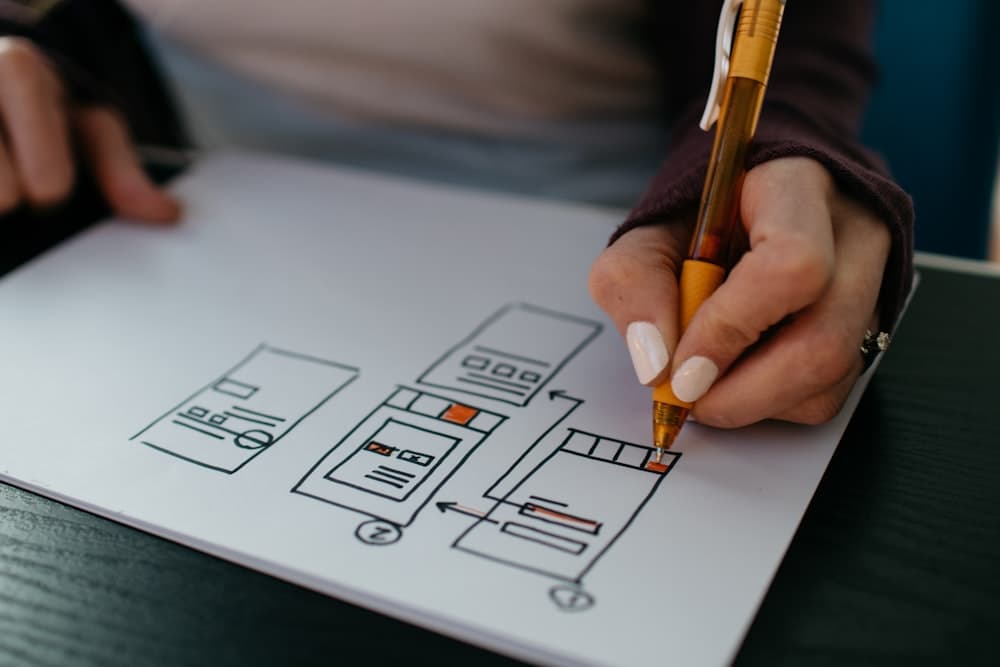
The handoff between design and development is often where projects slow down. In 2025, bridging the gap between Figma and code is about shared language and better tooling.
The Shared Language: Design Systems
Mastery of a design system is the foundation of efficient collaboration:
- Tokens: Using variables for colors, typography, and spacing that exist in both Figma and your CSS/Tailwind config.
- Component Thinking: Designing in Figma with the same atomic structure you use in React or Vue.
Leveraging Modern Figma Features
Figma has introduced many features that make the developer's life easier:
- Dev Mode: A direct way for developers to inspect properties, export assets, and even generate CSS snippets.
- Auto Layout: Designing with flexbox-like behavior in mind makes the transition to code seamless.
Communication is Key
No amount of tooling replaces direct communication. Regular "sync-ups" during the design phase can identify technical constraints early, saving hours of rework later.
Conclusion
When designers and developers work in sync, the results are always superior. By adopting design tokens, mastering Dev Mode, and maintaining open communication, you can turn the "handoff" into a continuous, efficient workflow.